Contractor Check Point: Your All-in-One Contractor Management Solution

Effortlessly oversee contractor performance, ensure service delivery, and streamline your operations with our powerful mobile app.

About Contractor Check Point

Contractor Check Point was born from the need for a simple, yet effective way to manage contractors and ensure accountability. We aim to provide a seamless solution that empowers school districts to track performance, verify service delivery, and optimize their student transportation, all from one user-friendly app.
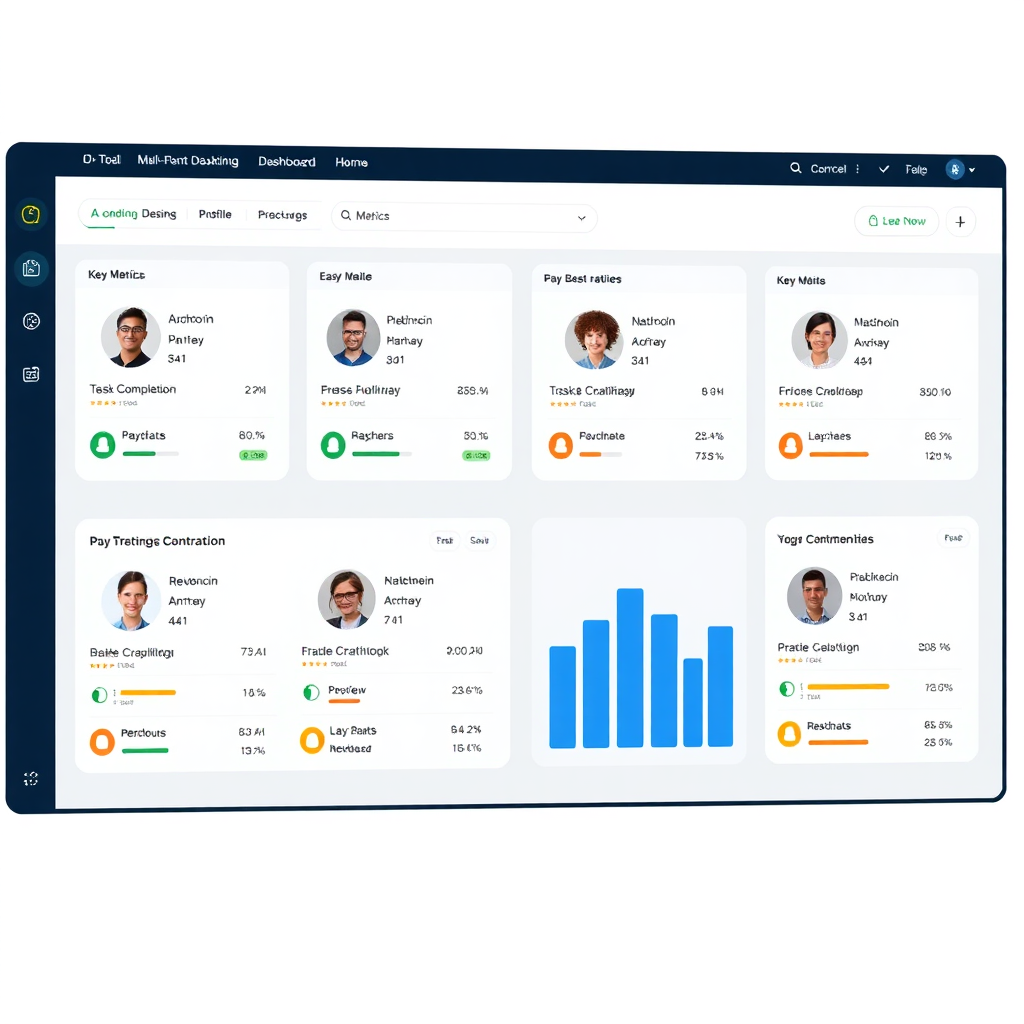
Contractor Check Point: The Only App You Need

Create a photorealistic image of a dashboard interface displaying multiple contractor profiles. Each profile should show key metrics like task completion, check-in/check-out times, and performance ratings. The dashboard should be clean, intuitive, and easy to navigate. Use a color palette of blues, greens, and grays to convey professionalism and trust. The lighting should be bright and even. The style should be modern and minimalist, similar to popular project management software interfaces. The image resolution should be high, allowing for clear visibility of all dashboard elements.

Centralized Management

Manage all your contractors in one place. Assign tasks, track progress, and ensure accountability with ease.

Create a stylized image of a GPS map displaying the location of several contractors. Each contractor is represented by a small icon, and their movements are tracked in real-time. The map should be clean and easy to read, with clear visual cues indicating the contractors' status. Use a color palette of blues and greens to convey accuracy and efficiency. The lighting should be soft and inviting. The style should be modern and minimalist, similar to popular navigation apps. The image resolution should be high, allowing for clear visibility of all map elements.

Real-Time Tracking

Monitor contractor activities in real-time. Know exactly when they arrive, start work, and complete tasks.
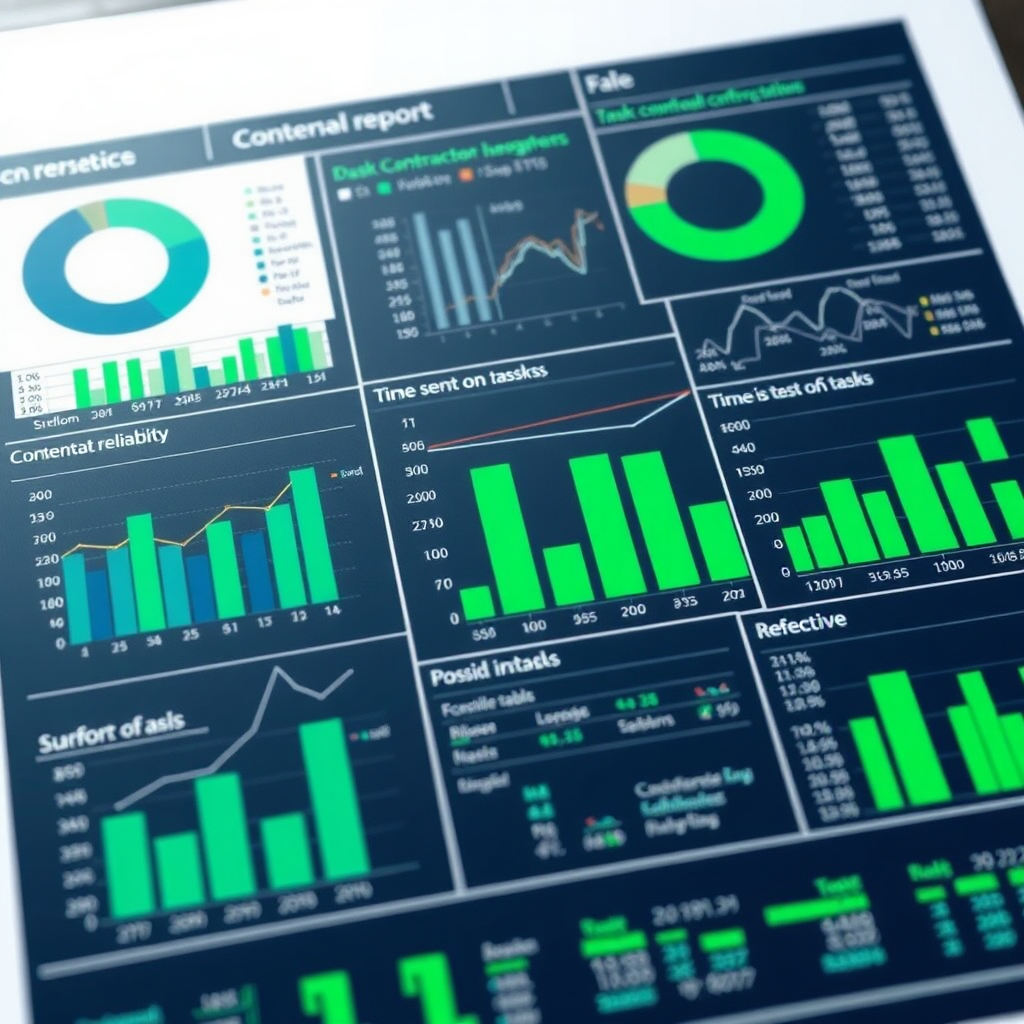
Create a photorealistic image of a detailed report showcasing various contractor performance metrics. The report should include charts, graphs, and tables that provide insights into key areas like task completion rate, time spent on tasks, and overall productivity. Use a color palette of greens and blues to convey accuracy and reliability. The lighting should be bright and even. The style should be professional and data-driven, similar to reports found in business intelligence software. The image resolution should be high, allowing for clear visibility of all report elements.

Automated Reporting

Generate automated reports on contractor performance. Get insights into efficiency, productivity, and cost savings.

Are your Contractors providing the services for which you contracted

A photorealistic image depicting a contractor completing a specific task (e.g., installing a pipe, fixing a wire). A supervisor is using the Contractor Check Point app on a tablet to verify the work being done. The image should emphasize the importance of accountability and quality control. The lighting should be bright and clear, highlighting the details of the work being performed. The color palette should be professional and trustworthy, using blues and greens. The camera angle is a medium shot, focusing on the contractor and the supervisor. Texture details should be realistic, showing the materials and tools being used. The overall style should be modern and professional, similar to images found in quality assurance reports.

Service Validation

Ensure contractors are providing the contracted services. Track deliverables and verify work completion.
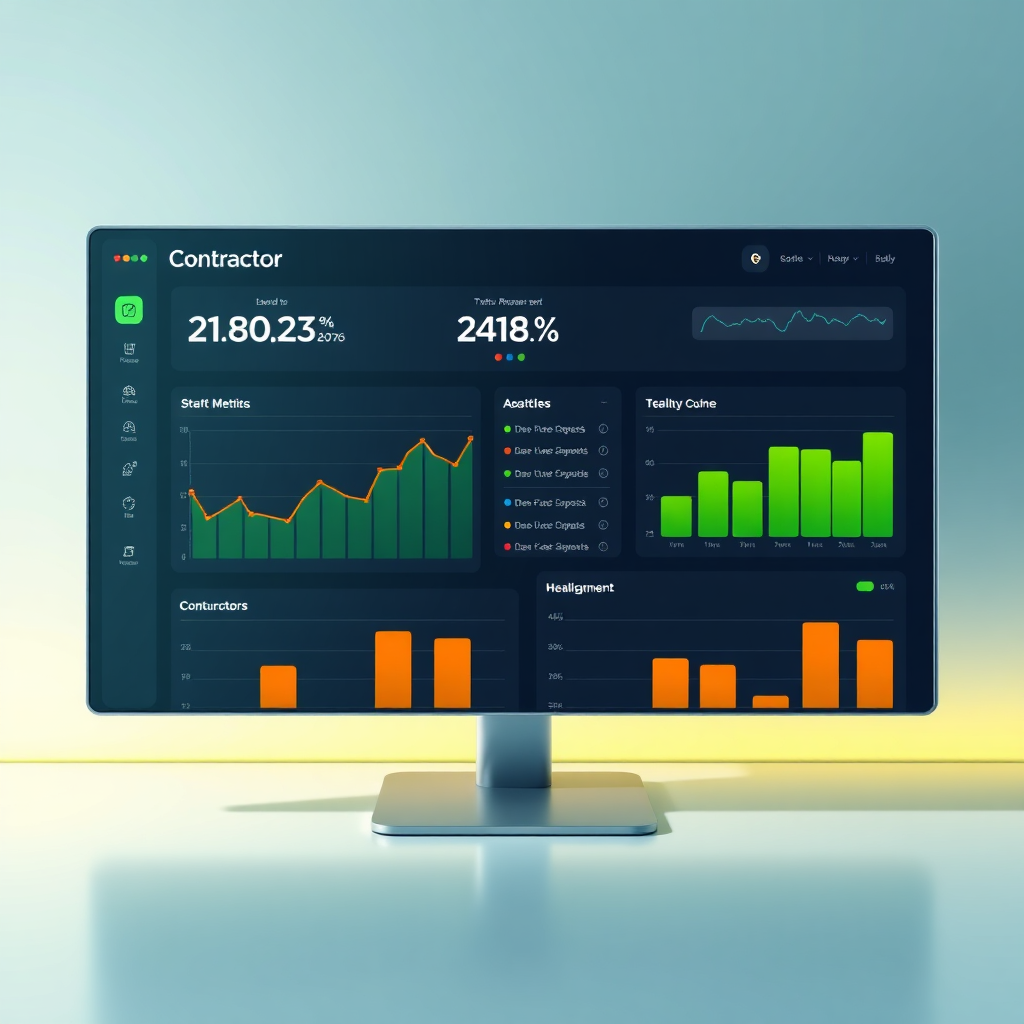
Create a stylized image of a performance dashboard displaying key metrics for a contractor. The dashboard should include charts and graphs that visualize the contractor's performance over time. Use a color palette of greens, yellows, and reds to indicate performance levels. The lighting should be soft and inviting. The style should be modern and minimalist, similar to performance management software interfaces. The image resolution should be high, allowing for clear visibility of all dashboard elements.

Performance Tracking

Monitor contractor performance against agreed-upon metrics. Identify areas for improvement and optimization.

Create a photorealistic image of a team meeting between contractors and project managers. Everyone is engaged in a productive discussion, and the Contractor Check Point app is being used to share information and track progress. The image should emphasize the importance of open communication and collaboration. The lighting should be bright and inviting. The color palette should be warm and welcoming, using earth tones and pops of blue and green. The camera angle is a wide shot, capturing the entire team. Texture details should be realistic, showing the office environment and the people involved. The overall style should be modern and professional, similar to images found in corporate communication materials.

Accountability & Transparency

Promote accountability and transparency in contractor relationships. Build trust and improve communication.

Contractor Check Point: Check-in your students and make sure all services are rendered.

The prompt should depict students checking in to a classroom-like setting using the Contractor Check Point app on tablets. The environment should be brightly lit, modern, and encouraging. The color palette consists of vibrant blues, greens, and yellows to symbolize education. Students should be diverse and represent different ages. In the background, a contractor is providing instructions to a student. Ensure it's hyperrealistic, 4K resolution, with attention to detail in facial expressions and environment textures.

Student Check-In

Easily check-in students to contractor provided services to ensure maximum attendance.
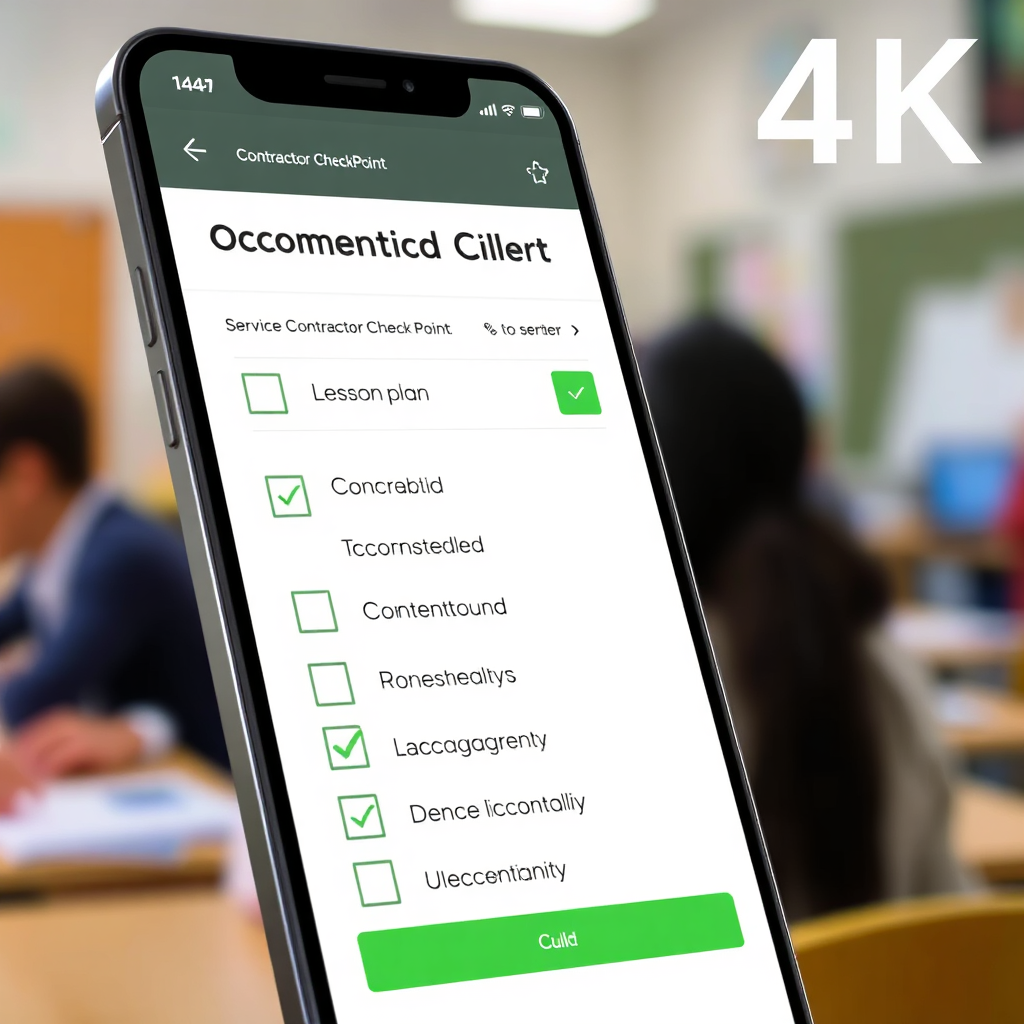
This 4K resolution image shows a graphical representation of a service checklist being marked as completed within the Contractor Check Point app. The backdrop is a blurred image of a learning environment. The checklist includes items such as lesson plan completion, material provision, and student engagement. The image emphasizes efficiency and accountability. Use a clean, modern design with a color scheme of greens and grays to indicate completion and process. Hyperrealistic rendering of UI elements.

Service Tracking

Track provided services and ensure services are rendered for maximum efficiency.
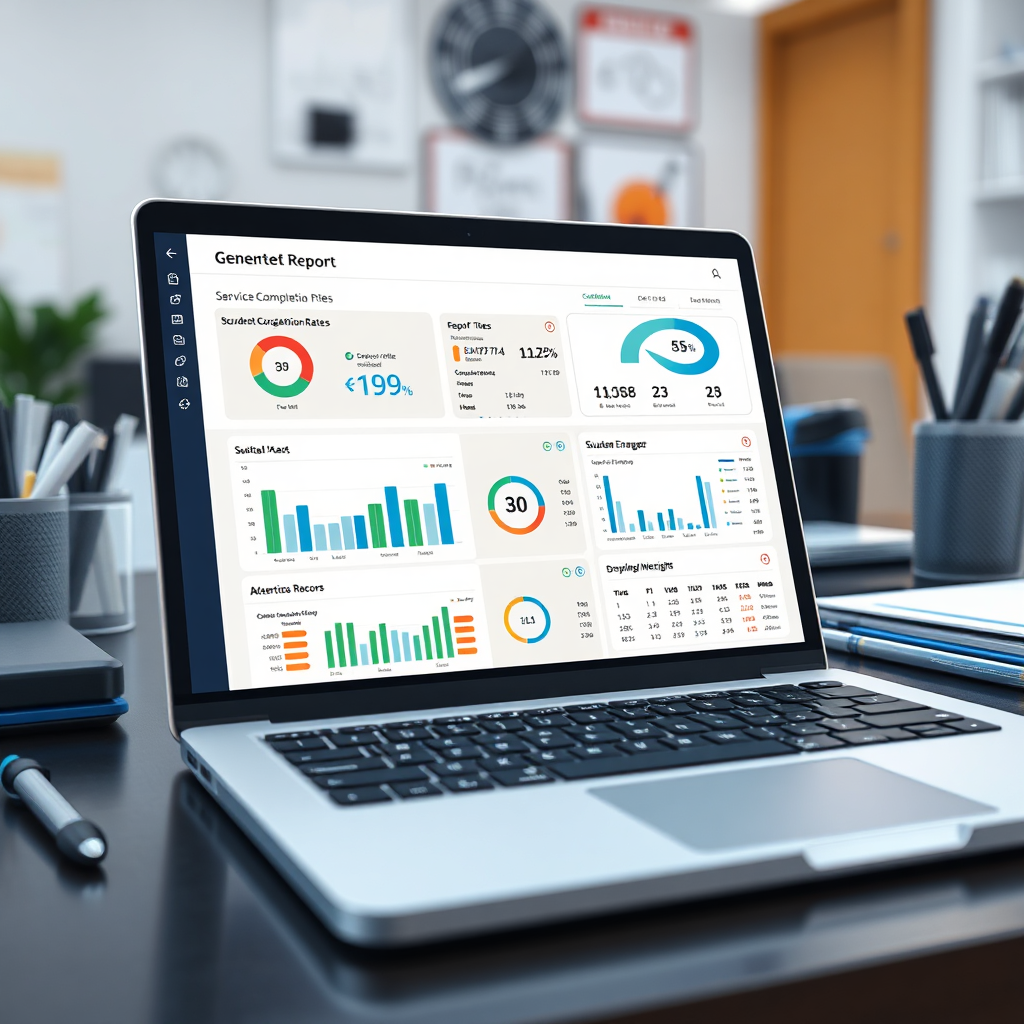
A hyperrealistic, 4K rendering of a detailed report is displayed on a laptop, generated through the Contractor Check Point app. The report includes charts and graphs showcasing service completion rates, student engagement metrics, and attendance records. The color palette is professional and corporate (blues, greens, and grays). The backdrop should be a modern office desk setup with various office supplies. Highlight the ease of access to insights and detailed performance metrics.

Efficient Reporting

Report service completion, metrics on effectiveness, and attendance in a clean report.

Loving Words

Contractor Check Point has streamlined our operations and saved us countless hours. Highly recommended!

John Smith

The app is incredibly user-friendly and has improved our contractor accountability significantly.

Alice Johnson

We've seen a noticeable increase in efficiency since implementing Contractor Check Point.

Robert Williams